saving a login
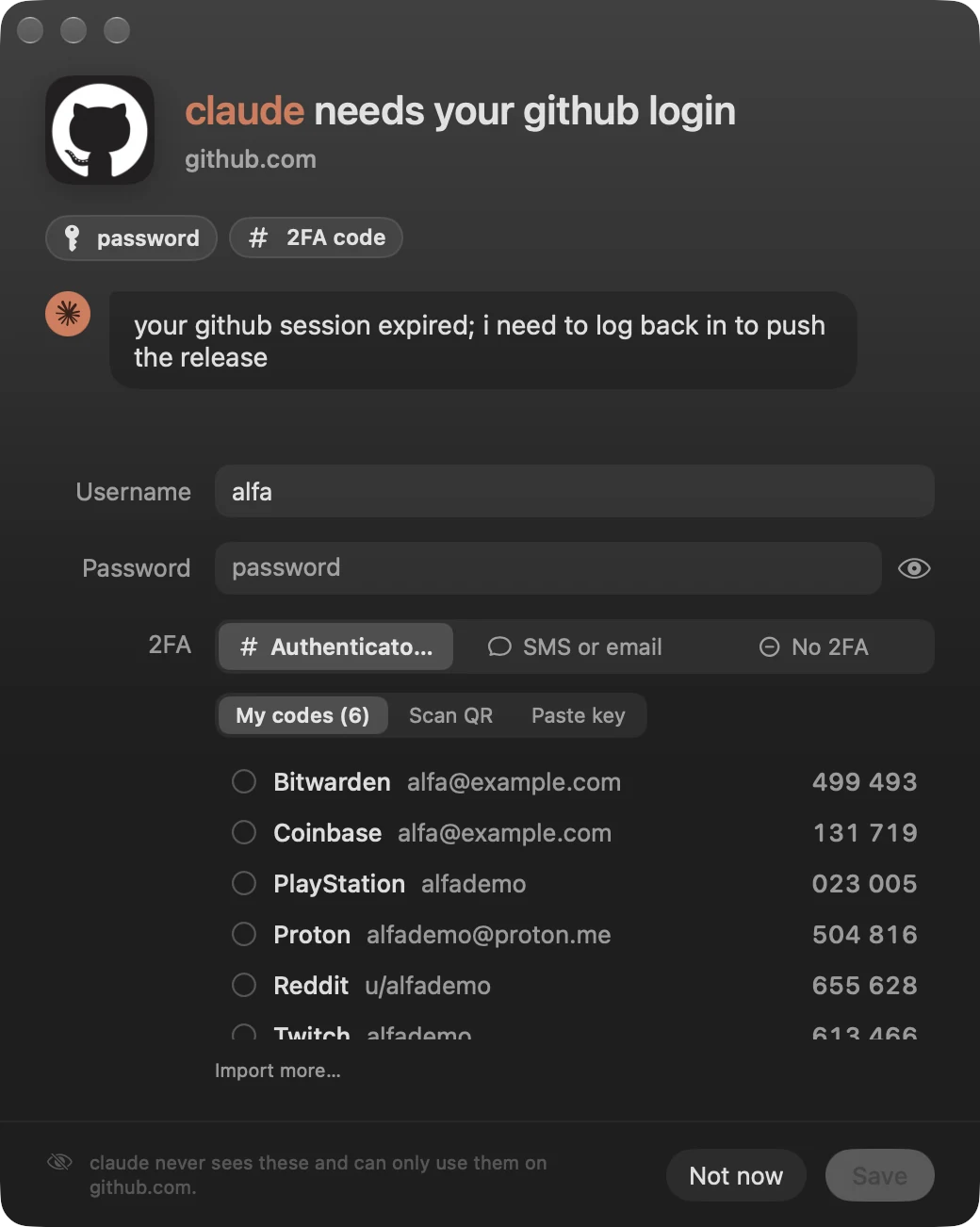
the agent asks, you type it in. from then on it can use the login, and never see it.
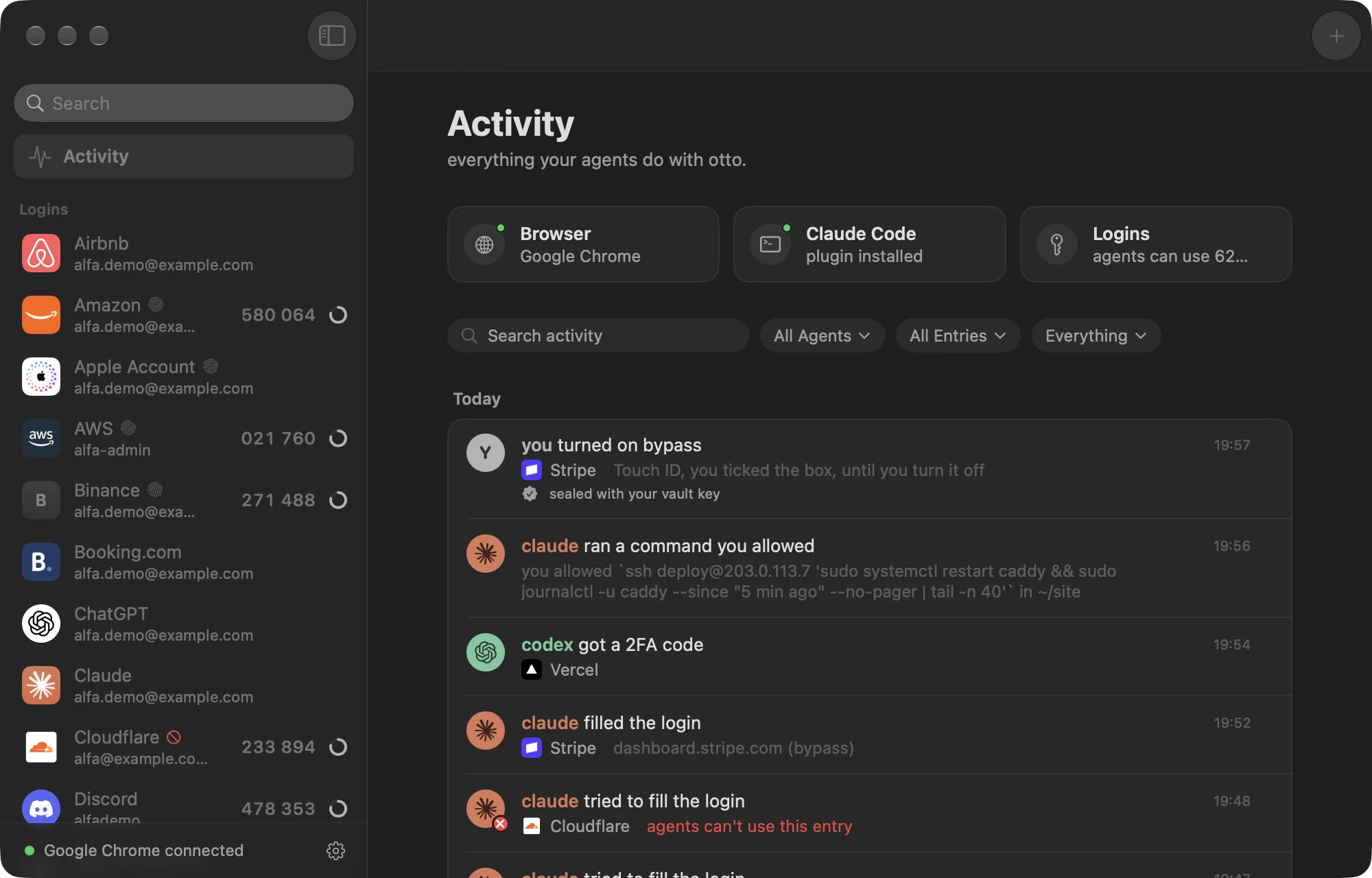
otto logs your coding agents into websites and Mac apps, enters 2FA codes, fills cards at checkout and runs sudo, on rules you set. the passwords stay on your Mac, out of the chat.
download otto version 0.1.0, for macOS 26 or later
your agent hit a login page, so you pasted hunter2 into the chat. now it's in a transcript, on someone else's computer, for good.
with otto, the agent asks, otto fills it in, and the password stays on your Mac.
the agent asks, you type it in. from then on it can use the login, and never see it.
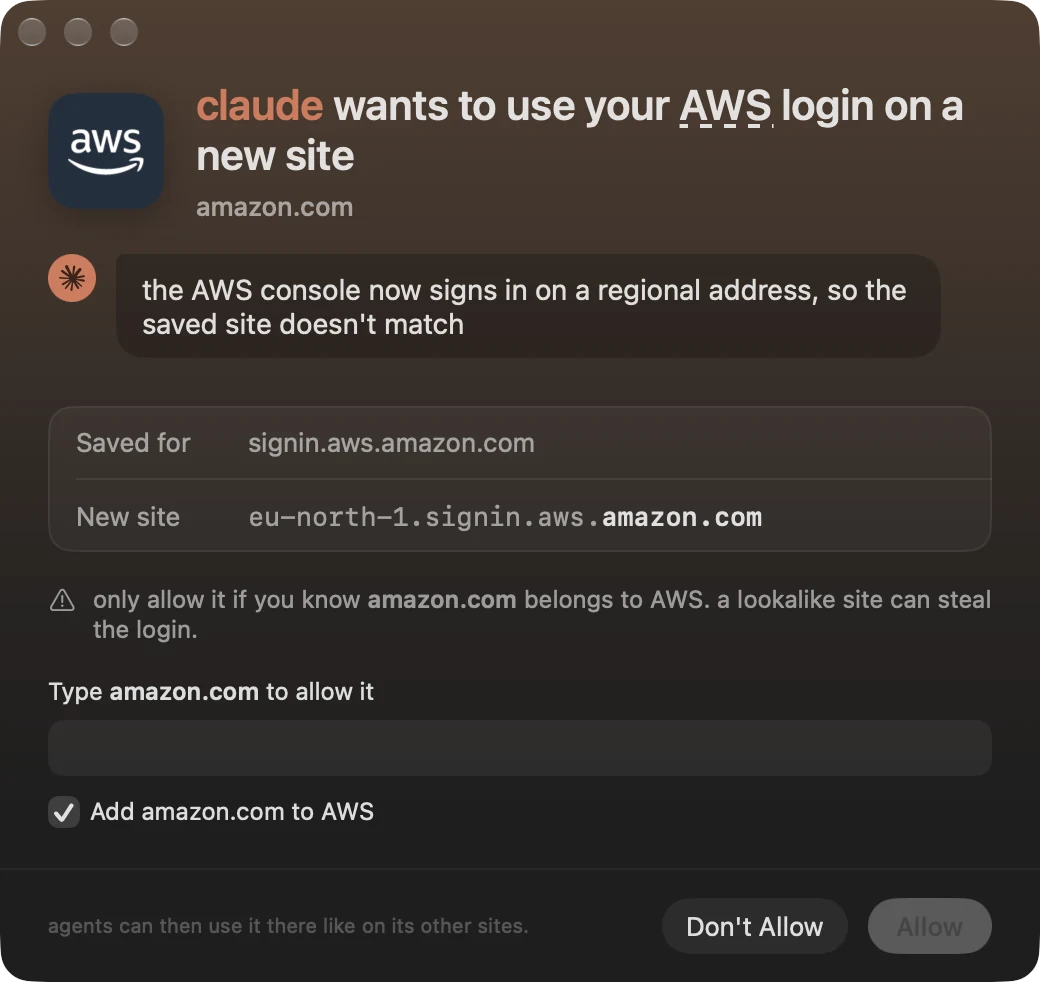
a login fills on the sites it belongs to. for a new one, you type the domain to allow it.
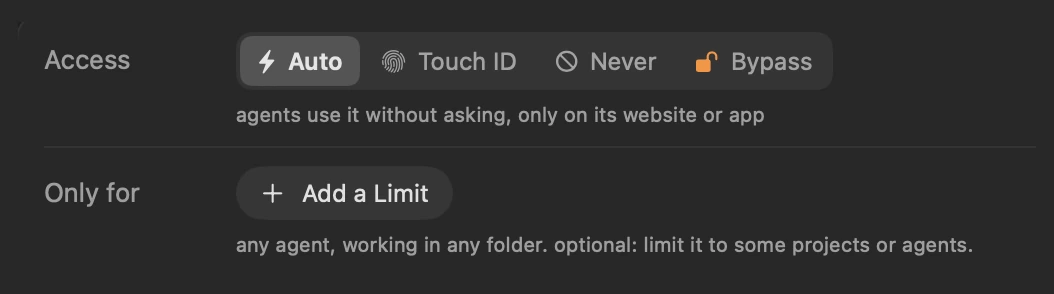
auto, Touch ID, never, or bypass while you're away. every use is logged.
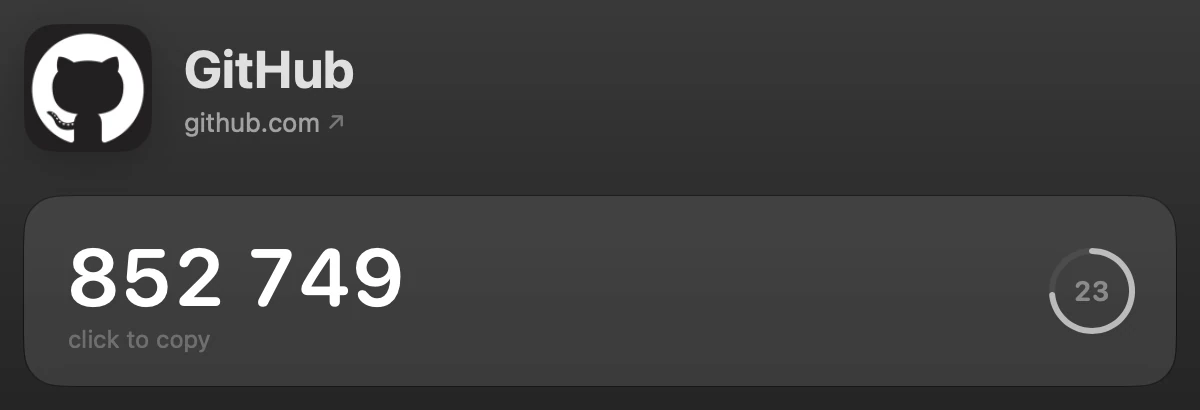
otto keeps the authenticator secret and fills in the code. agents only ever see six digits.
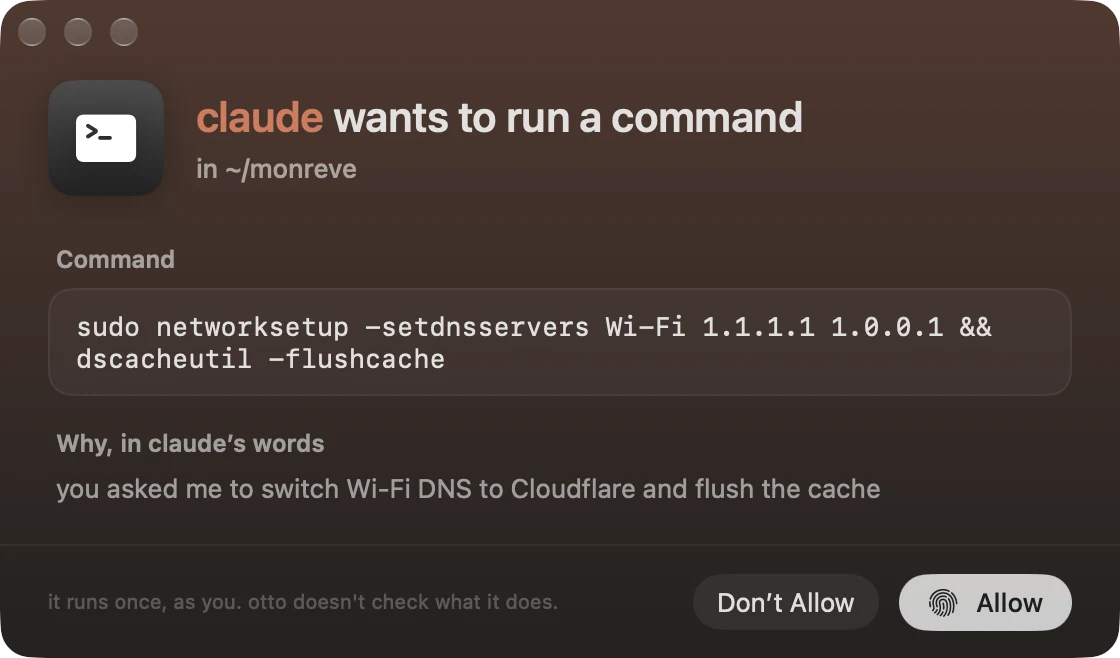
the agent shows you the exact command, where it runs and why. you allow it once, with Touch ID.
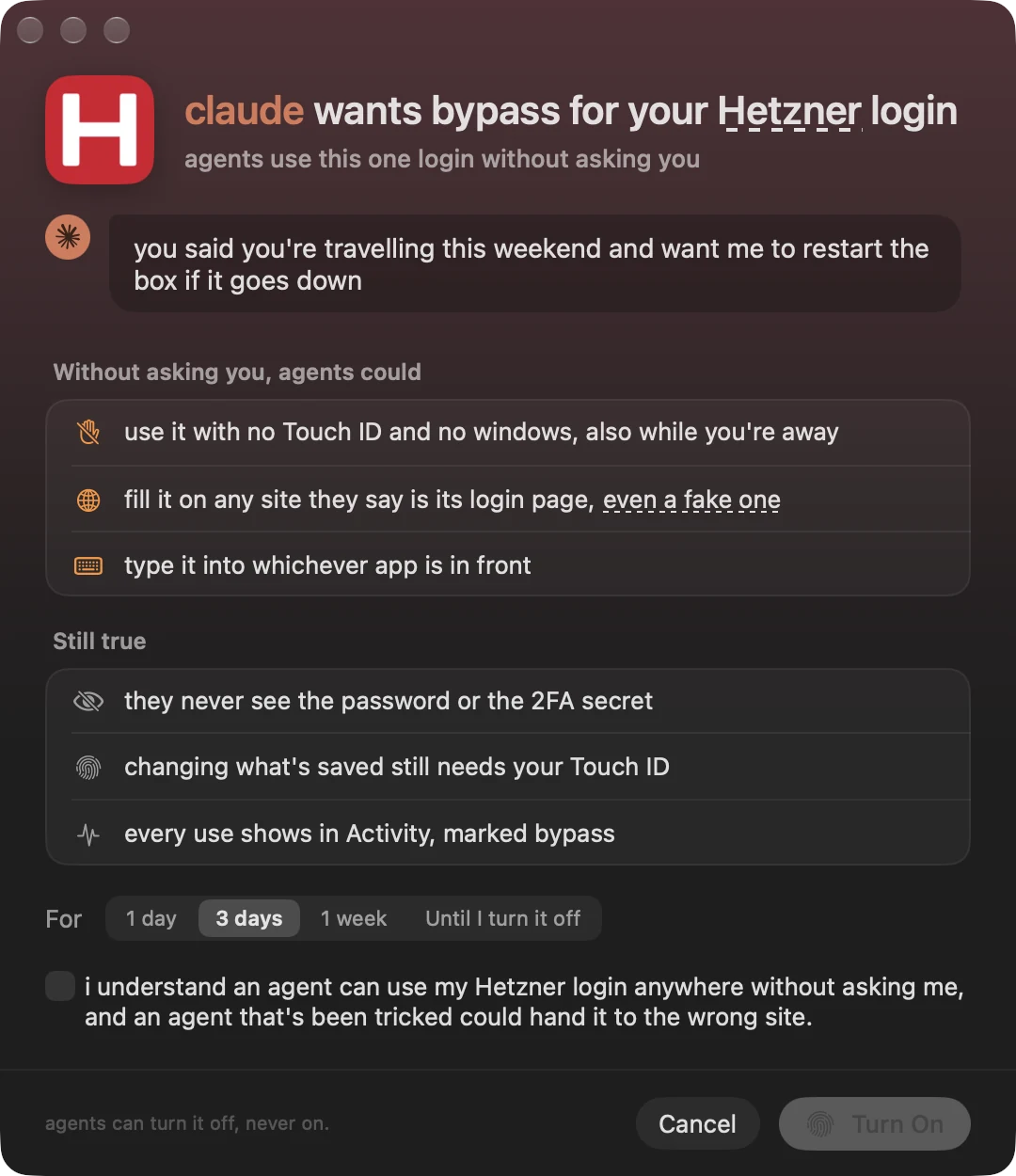
away from the Mac? agents use one login without asking, for as long as you choose.
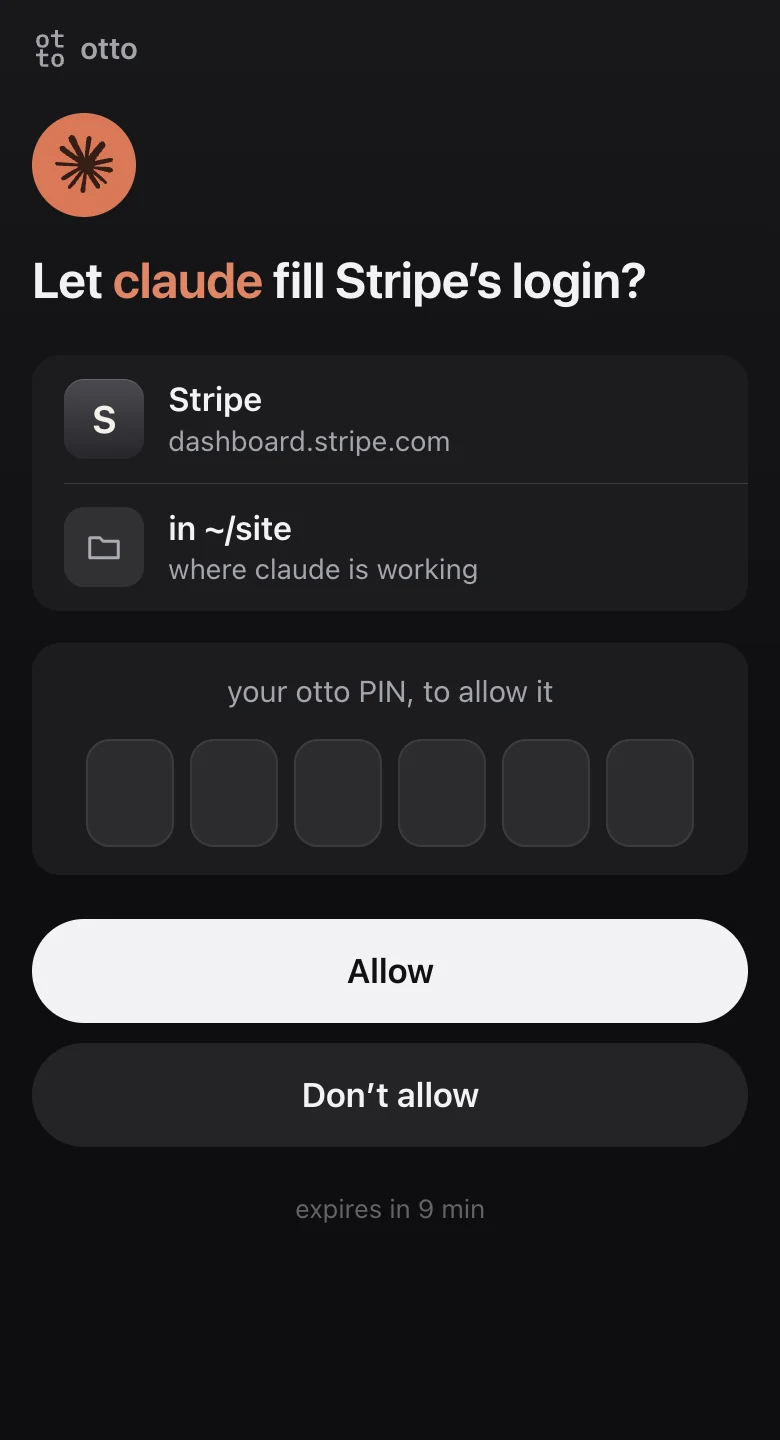
away from your Mac? tell your agent, and it sends you a link instead of waiting at the Mac. you open it on your phone and answer with your PIN.
the page runs on your Mac and is reachable only over your own Tailscale network, from your own devices. it isn't on the internet, and nothing passes through a server of ours.
there's no otto account and no otto server. the vault is a standard KeePass file on your Mac, and its key is in your keychain.
download otto and drag it into Applications.
add the extension to Chrome, Brave, Edge, Arc, Dia, Helium, Vivaldi, Opera, Comet or ChatGPT Atlas. using another browser? ask for it.
connect your agents in otto's settings: Claude Code, Codex, Cursor, Gemini CLI, Windsurf, opencode, T3 Code, the Claude app. anything else that speaks MCP can run otto mcp.
bring your logins from your old password manager.

trust your agents the no-trust way.
download otto version 0.1.0, for macOS 26 or later